
How to organise your documents effectively on a Mac?
10 December 2025 - Methods and best practices
Introduction
A well-organised Mac saves time every day and gives you peace of mind when you’re looking for an important document. Yet many users let their files pile up without any real system. In this article, we’ll look at how to organise your folders effectively on macOS, reduce duplicates and set up a sustainable system.
1. Create a simple and logical structure
The aim: to find any document in a matter of seconds.
Effective methods:
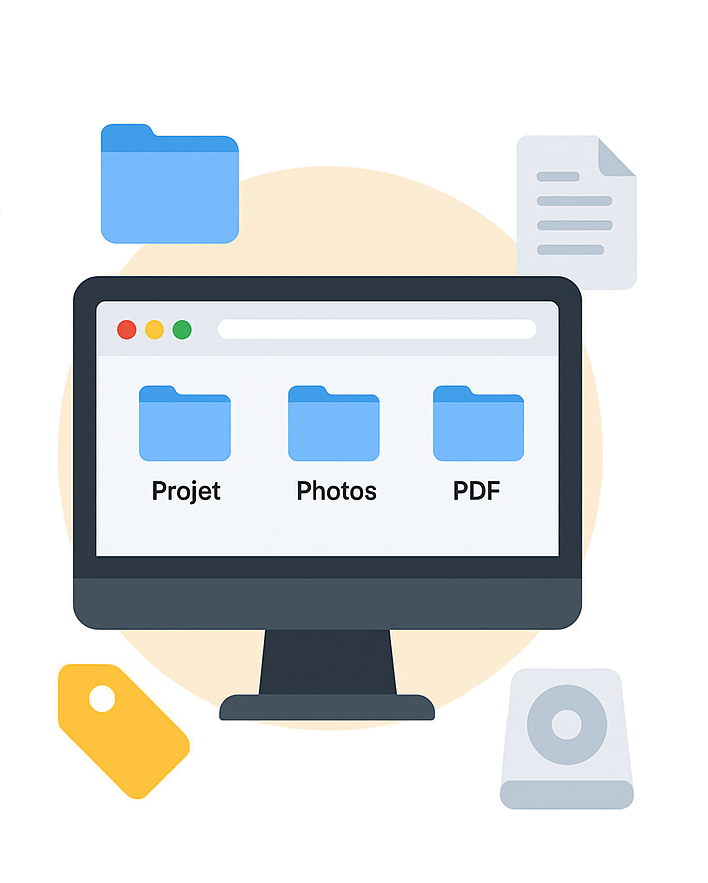
Organise by project (Client Dupont / Home Project / Accounts 2024).
Organising by document type (Photos, PDFs, Administrative, Invoices).
Organise by year for recurring documents.
The idea is to avoid complex systems that are abandoned after a few weeks.
2. Use subfolders sparingly
Add too many levels and you’ll get lost. A good rule of thumb: a maximum of 2 to 3 levels.
Example:
Accounts → 2024 → Supplier invoices.
3. Adopt a consistent naming convention
A good name = a document found more quickly.
Recommended format:
YYYY-MM-DD – Type – Subject.ext
Example:
2025-01-15 – Invoice – Apple MacBook.pdf
4. Make the most of macOS’s built-in tools
Coloured tags: to group documents without changing their location.
Smart folders: to automatically group files that meet a specific criterion (PDFs from 2024, images edited this week, etc.).
Finder Favourites: for your most frequently used folders.
5. Why then switch to a solution like Storage?
Even with good organisation in Finder, finding a document based on its content or managing large volumes remains limited.
Storage goes much further and provides true document intelligence:
• Automatic OCR to read and index the content of your documents.
• One-click on-the-fly filing, without worrying about the structure.
• Automatic removal of duplicates to keep your storage space tidy.
• Suggestions for missing documents based on your frequency settings (monthly, yearly, etc.).
• Quick search by title, content and metadata.
• Integrated calendar to track your reminders, deadlines and document obligations.
• Multi-format viewer (PDF, Word, Excel, images, etc.).
Storage is the natural next step after effective organisation in Finder.

Save 3 hours of filing time per week.
Try Storage for free or book a demo with one of our experts.
Any questions?
Call us on 04 65 84 72 04.
Storage, the Document Management System (DMS) software for Mac, designed for demanding professionals and individuals. Organise and find your documents in an instant.
Conceived, designed and developed by Infoduo in Aix-en-Provence 🇫🇷 since 2008.
Copyright © 2008 - 2026 Infoduo - All rights reserved.